Visit EnablingLearning.com

Tag: AI in Teacher Education

Person interacting with abstract digital displays illustrating the concept of Using Perplexity Spaces in ESL Classrooms" from EnablingLearning.com.
AI in Education

Using Perplexity Spaces in ESL Classrooms

Perplexity AI, a conversational search engine known for its direct, cited answers and interactive “Copilot” feature, now offer a new feature called “Spaces”. By combining AI-driven web searches with the ability to upload personal files, Perplexity Spaces creates a personalized knowledge hub for both individual and group use. Teachers can store up to 50 files, customize AI responses, and share their Spaces with up to 10 collaborators, making it easier to differentiate instruction and provide culturally responsive materials. In the ESL classroom, Perplexity Spaces can streamline resource gathering and support differentiated instruction by allowing teachers to create customized learning experiences for students at various proficiency levels. Teachers can also use it to engage students in collaborative learning, helping them develop research skills and build personalized study spaces. Whether planning lessons, designing activities, or aligning with colleagues, Perplexity Spaces offers a flexible, AI-powered tool that can transform the way educators approach teaching.

Read More »
A female teacher working with a robot on a laptop, illustrating a hybrid approach to professional development in teacher training.
AI in Education

Transforming Teacher Training: A Hybrid Approach to PD

Our hybrid professional development model combines face-to-face workshops with continuous online support and is designed specifically for teachers of emergent bilingual students in STEM. Educators engage in hands-on activities during full-day workshops, learning effective strategies like the ExCEL Method of Instruction. Afterward, they gain access to an online platform equipped with AI-powered tools that assist in creating personalized lesson plans and resources, all tailored to students’ language proficiency and academic needs. What sets this model apart is its foundation in real classroom experience. The AI is trained using data and insights from experienced bilingual educators and instructional experts who have worked directly with emergent bilingual students.

Read More »
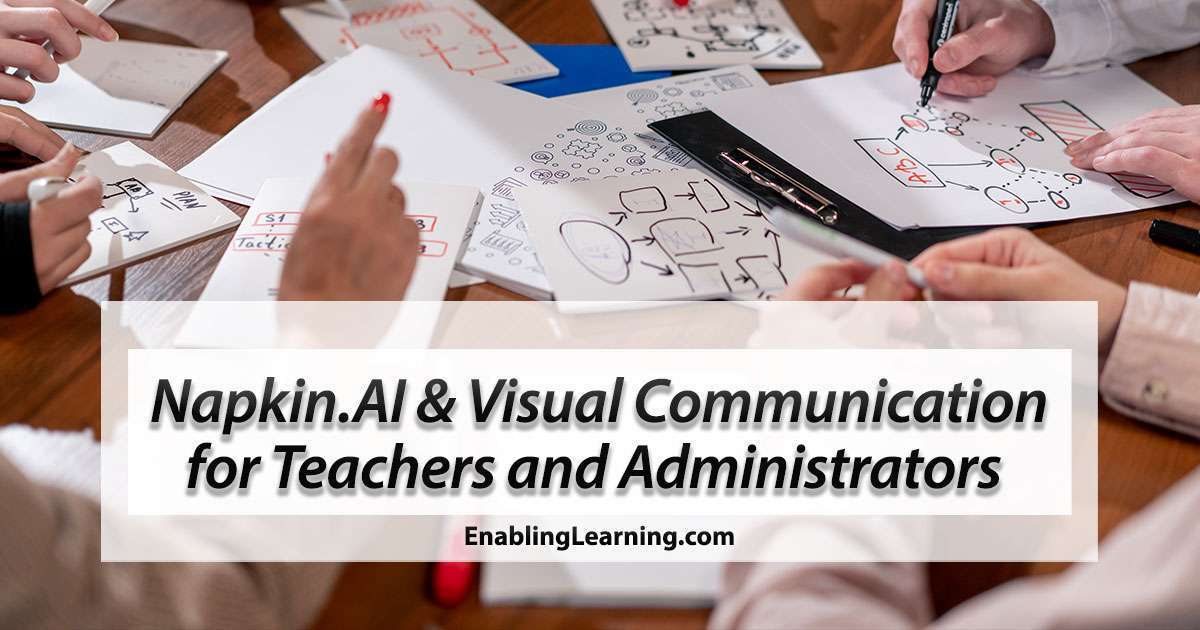
Teachers and administrators using visual communication strategies with Napkin.AI at EnablingLearning.com.
AI in Education

Napkin.ai and Visual Communication for Teachers and Administrators

Napkin.ai is a powerful tool that transforms complex ideas into visuals like infographics and charts, helping teachers and administrators enhance lesson planning, student engagement, and team meetings. It simplifies communication in Professional Learning Communities (PLCs) and supports administrators in presenting key data effectively. We tested Napkin.ai using the ExCEL Method of Instruction, a sheltered instruction approach from our teacher workshops, and found it generated clear, helpful visuals. This makes it an excellent resource for educators looking to streamline both classroom and administrative tasks.

Read More »
Person writing in a notebook with a pencil next to a laptop, representing metacognitive strategies and AI in teacher education.
AI in Education

Metacognitive Strategies and AI in Teacher Education

As an instructional designer specializing in online preparation courses for preservice bilingual and ESL teachers, I’ve seen firsthand how metacognitive strategies can transform the learning journey. These strategies encourage learners to reflect on their cognitive processes, evaluate their learning techniques, and make informed adjustments to enhance their study habits. When combined with AI-powered tools, the potential for fostering a culture of continuous learning and development is immense.

Read More »
Scroll to Top
El acento escrito

¿Cómo colocarlo?

Si no sabes cómo colocar el acento escrito, te compartimos varios enlaces que te  pueden ayudar según sea el caso de tu dispositivo.

WindowsKeyboard shortcuts for international characters

WindowsHow to Type Characters with Accents on Windows

Mac OS and iOSEnter characters with accent marks on Mac

AndroidType in a different language