AI-Generated Audio Summary
There are good certification exam preparation platforms available for teacher candidates in Texas. If all you need is a question bank and a way to practice, you have options. We know that. We respect the work those platforms do.
But over the past two years, as we have built courses, deployed AI systems, and worked directly with university programs and their students, we have been asking a different question: what would exam preparation look like if every lesson came with a personal tutor who knows the material, every practice exam fed into a system that actually understands what you do not know yet, and the entire experience adapted to the way you learn?
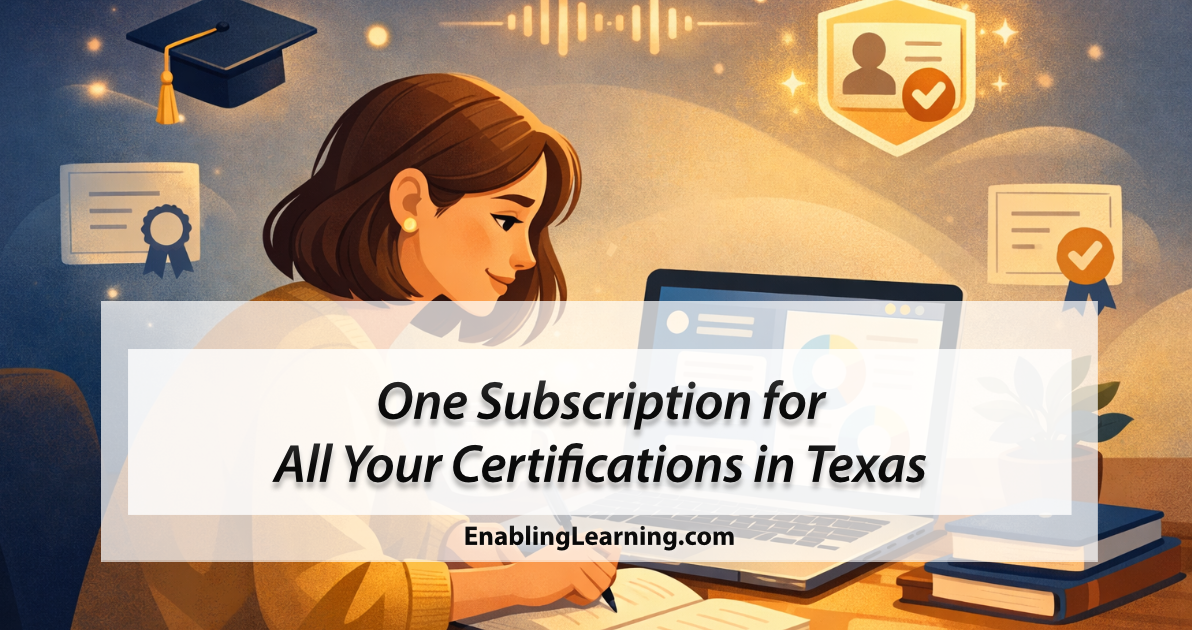
That is what we have been building. And today, we are making all of it available through a single subscription.
What the Subscription Includes
The All-Access Subscription gives you access to everything on the Enabling Learning platform:
- 16 certification exam preparation courses covering ESL-154, PPR-160, Bilingual Education 164, Special Education 186, Science of Teaching Reading 293, Gifted and Talented 162, EC through PK-3, the five Core Subjects EC-6 exams, and all four middle school 4-8 exams (Mathematics, Science, ELAR, and Social Studies)
- Veronica, your personal AI study tutor, available in every lesson
- The Smart Study Dashboard, which analyzes your performance and builds a personalized study plan
- 376 audio introductions and 66 video overviews across every lesson, topic, course, and domain
- Verified digital credentials for every course you complete
The price is $21.99 per month or $109.95 per semester. A single certification course costs $24.99 on its own. The subscription gives you access to all 16 certification courses, plus Veronica and the Smart Study Dashboard. The AI Language Labs for the BTLPT, TOEFL, and LOTE-613 are offered as separate products and are not part of the subscription.
What Makes This Different
The easiest way to explain what makes this platform different is to describe what happens when you sit down to study.
You open a lesson. Before you start reading, there is an audio introduction that gives you context: what the lesson covers, why it matters, and what to pay attention to. This is not background music. It is the first layer of scaffolding, designed to help you approach the material with purpose.
As you work through the content, Veronica is right there. She is an AI study tutor built on a knowledge base of over 1,900 entries curated by subject matter experts across every certification area we cover. You can ask her a question about anything you are reading, and she responds with verified, domain-specific content, not generic answers pulled from the internet. We built her using a RAG architecture with strict guardrails to prevent hallucination. The difference between studying alone and studying with a tutor who knows the material is enormous. That is what Veronica provides.
When you take a practice exam, your results do not just produce a score. They feed into the Smart Study Dashboard, which breaks your performance down by competency, identifies your weakest areas, and prioritizes what to study next. If you are preparing for multiple exams, it finds patterns across all of them. I will be writing more about how the dashboard works and why we designed it the way we did in an upcoming post, but the key idea is simple: a score tells you where you are, the dashboard tells you where to go.
And when you complete a course, you earn a verified digital credential through POK, shareable on LinkedIn and verifiable by any employer with a QR code scan.
Every piece of the system talks to every other piece. That is what we mean when we say this is not a bundle of courses. It is a connected experience.
Why We Built It This Way
I have written on this blog many times about the relationship between technology and education. About how AI should serve educators, not replace them. About how the best learning experiences are built on structure first, technology second.
The subscription is the practical expression of that philosophy.
We did not start with the technology and look for a problem to solve. We started with a clear understanding of what teacher candidates need: connected preparation that adapts to their strengths and weaknesses, support that is available when they are studying at night or on weekends, and a system that treats exam preparation as a learning experience rather than a transaction. Then we built the AI to make that possible.
And the subscription exists because all of this should be accessible, not reserved for students who can afford to buy every course individually.
Who This Is For
- Teacher candidates preparing for one or more Texas certification exams who want more than a question bank
- Career changers pursuing alternative certification who need structured, guided preparation
- University programs looking for a scalable, AI-powered complement to their coursework, with institutional pricing available
- Bilingual and ESL educators preparing for exams like Bilingual Education 164 and ESL-154, supported by Veronica’s bilingual knowledge base
Get Started
The All-Access Subscription is available now:
- Monthly: $21.99/month, cancel anytime
- Semester: $109.95 for a full semester (best value)
Browse the full course catalog and subscribe here.
If you are a university coordinator or program director interested in institutional pricing for your students, contact us directly. We offer volume pricing and dedicated onboarding support for programs enrolling 10 or more students.
And if you have questions about what is included or how the AI works, Veronica is ready to help.
Coming Up Next
In the coming weeks, I will be writing more about the technology and design thinking behind this system. How the Smart Study Dashboard identifies what you need to work on and why we designed it the way we did. How Veronica’s knowledge base is built and maintained. How we produced 376 audio lessons and 66 videos using AI, and what we learned along the way. This post is the overview. The deep dives are coming.
Enabling Learning, LLC provides AI-powered exam preparation tools for Texas educator certification. All AI features are designed to supplement, not replace, professional preparation programs and human mentorship. Veronica’s responses are grounded in expert-curated knowledge bases and do not constitute official test preparation advice from the Texas Education Agency or any certifying body.